
Reference library
Save papers from any tool into collections, tag them, and open any PDF in the reader.
Features
Hand a research task to an agent, look up a paper, screen the literature for a question, or run a full review. Everything saves to the same library, so you can trace each result back to its papers.
Agent
The agent works through every step on its own cloud machine. With its Researchzy plugins and 41 research skills, it finds and reads the papers, runs the analysis, and writes it up. You get the tables, figures, and drafts as files.
Explore Researchzy Agent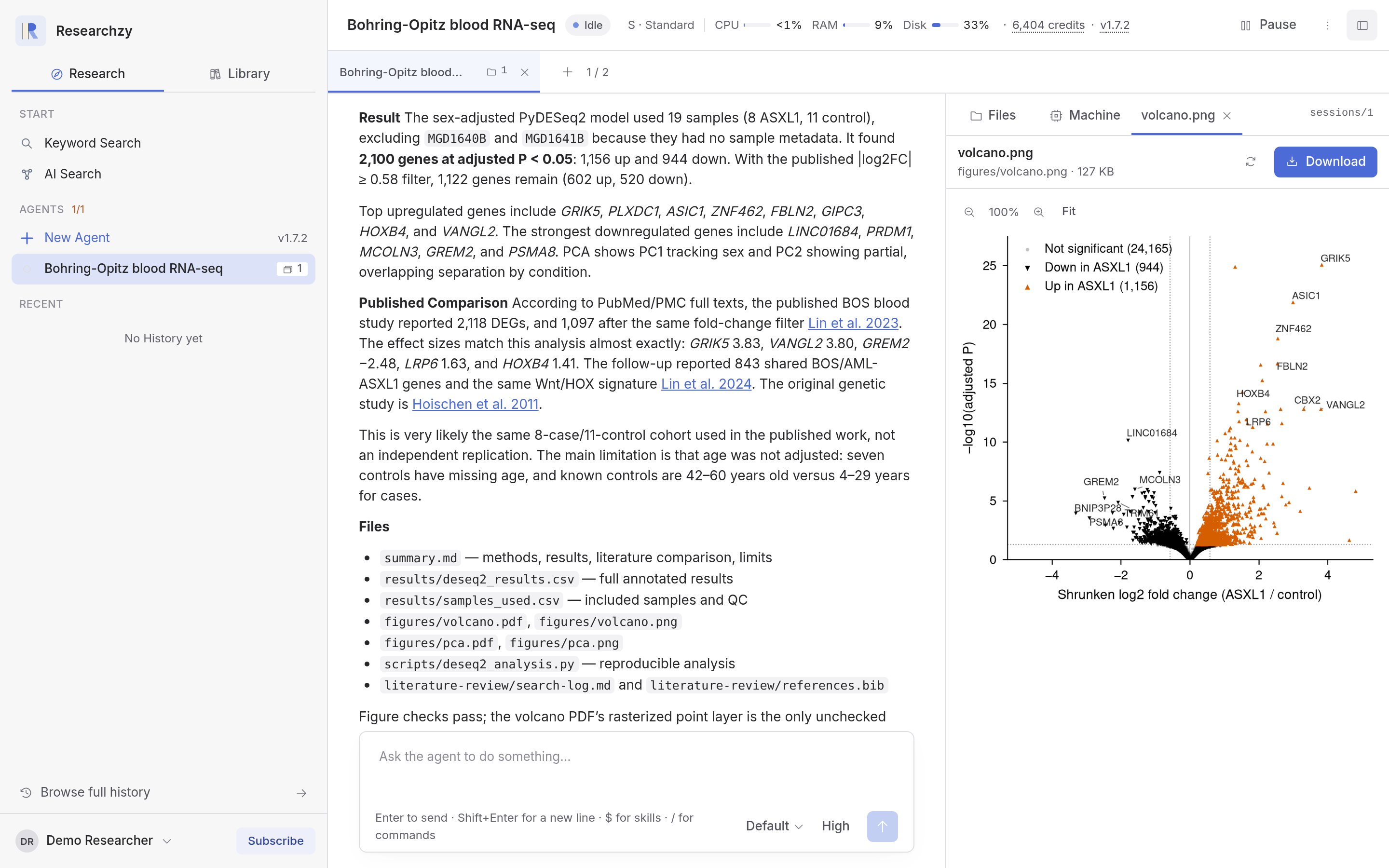
Keyword Search
Search by keyword, title, DOI, or arXiv ID. Filter by field, date, and venue, check citation counts, and open the source record behind every result.
Explore Keyword Search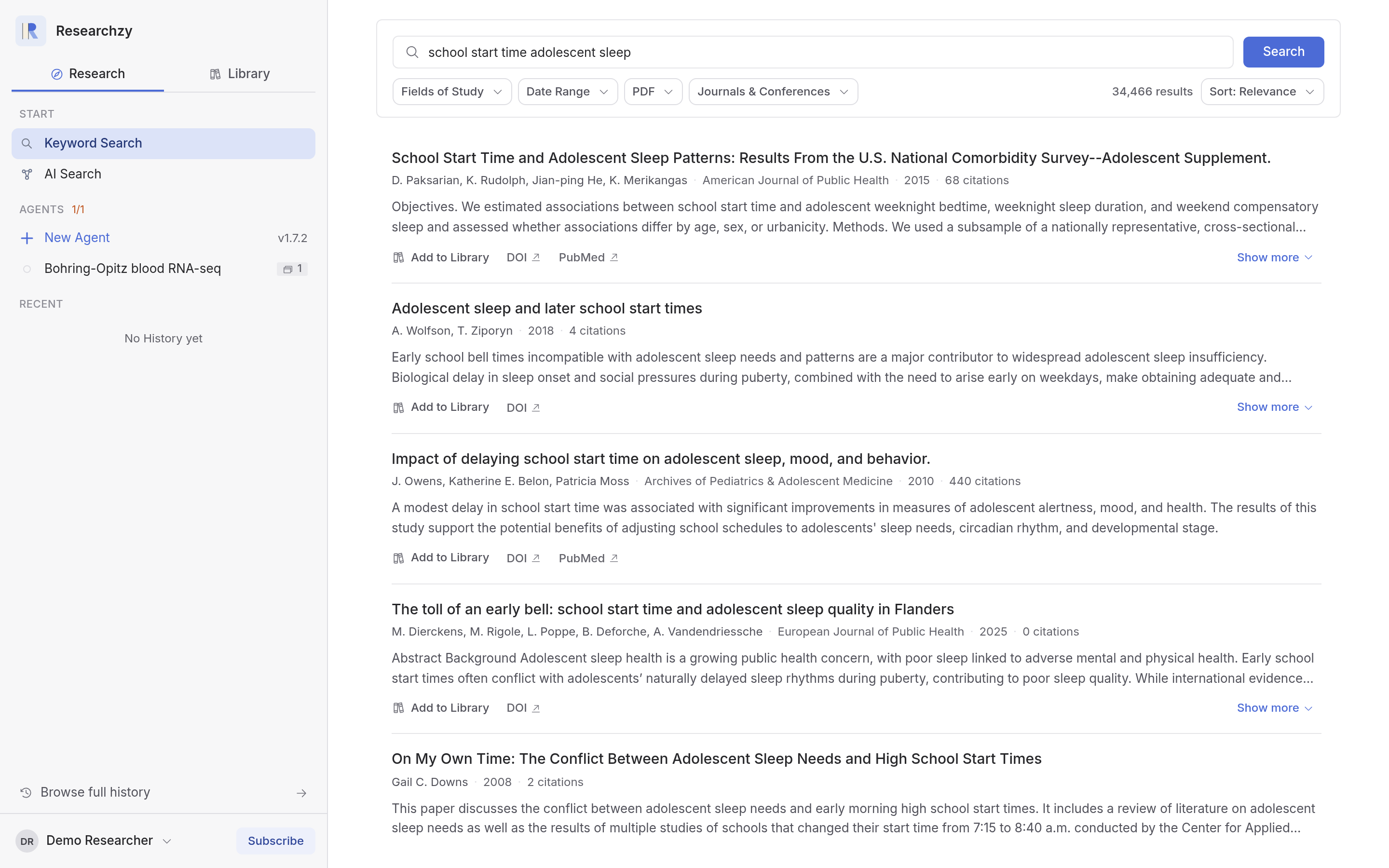
AI Search
Ask a research question. AI Search sharpens it with you, runs several searches, and checks every candidate paper against explicit criteria, so you get a ranked reading list with the reasons shown.
Explore AI Search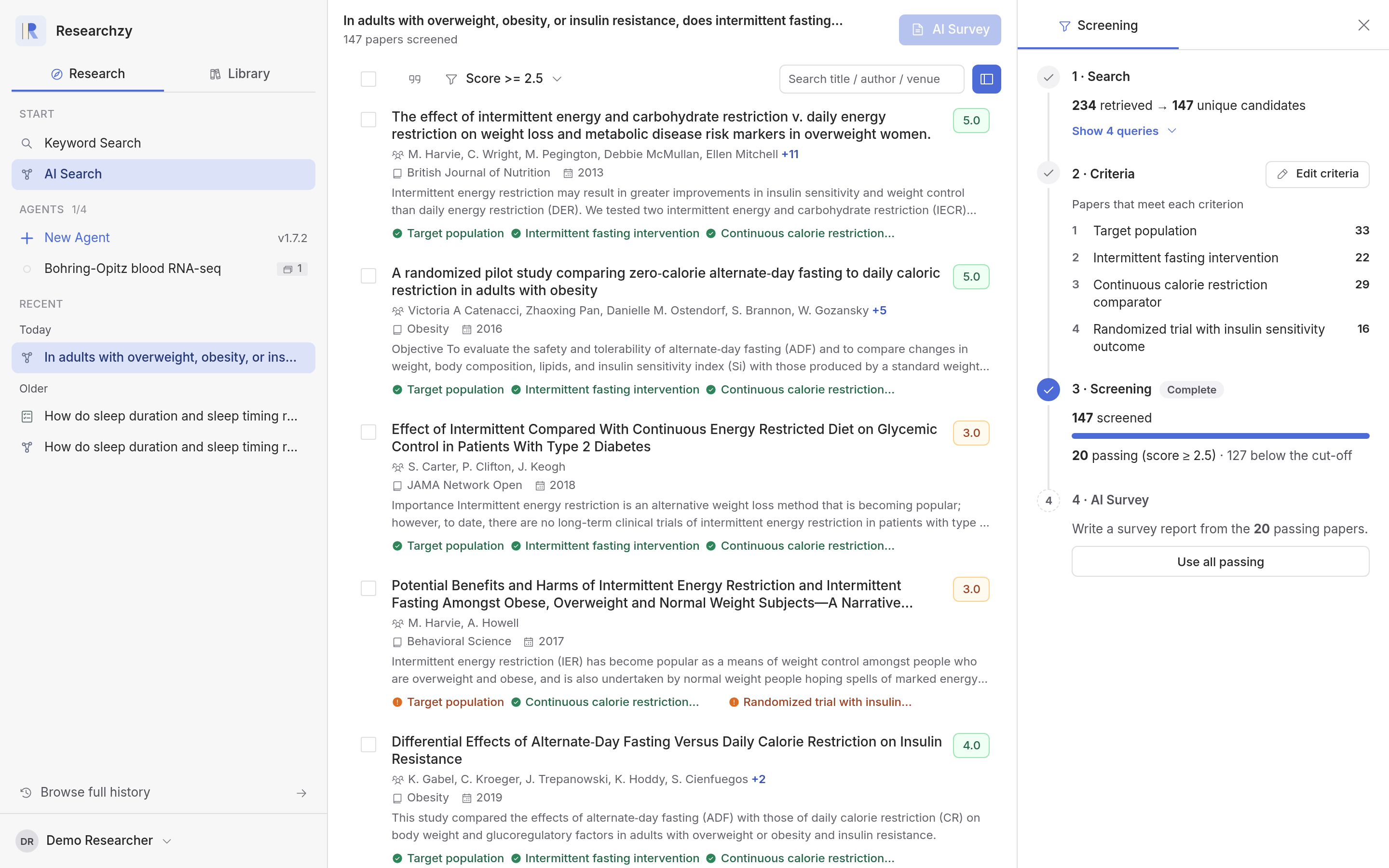
AI Survey
AI Survey picks up where AI Search stops: from the papers you choose, it selects the key studies, extracts quoted findings, and writes a report you can edit and export — with the evidence behind every section.
Explore AI Survey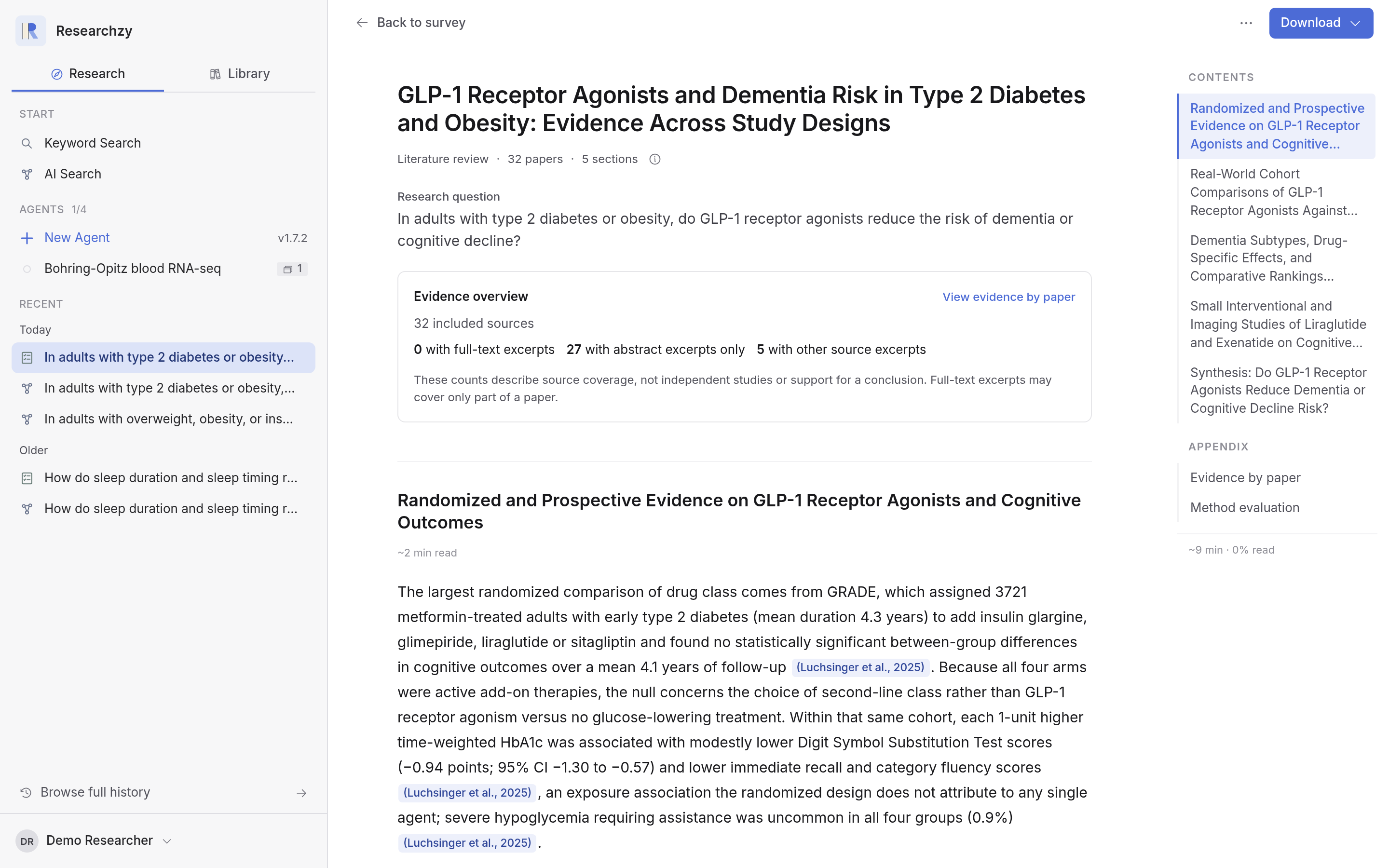
Which tool when
| You have | Use | You get | Plan |
|---|---|---|---|
| A research task with files to produce | Agent | Tables, figures, and drafts built from the papers the agent finds and reads | Every plan; uses AI credits |
| Keywords, a title, a DOI, or an arXiv ID | Keyword Search | Bibliographic records with filters, citation counts, and source links | Every plan; no AI credits |
| A research question | AI Search | A screened, ranked list: a 0–5 score and the criteria each paper meets | Every plan; uses AI credits |
| AI Search results that need a written synthesis | AI Survey | A cited report draft with quoted evidence, evidence tables, and a PRISMA flow export | Plus and Pro; uses AI credits |
One library
Save papers from any tool into collections, tag them, and open any PDF in the reader.
Cite in APA, IEEE, Chicago, Vancouver, Harvard, and more; copy BibTeX or export EndNote files.
Highlight, annotate, and draw on PDFs in the browser, and ask questions about a paper with answers that cite clickable passages.
Free to start. Nothing to install.